Android 17 QPR1 Beta 3 Doubles Down on ‘Glassmorphism’ and UI Fluidity
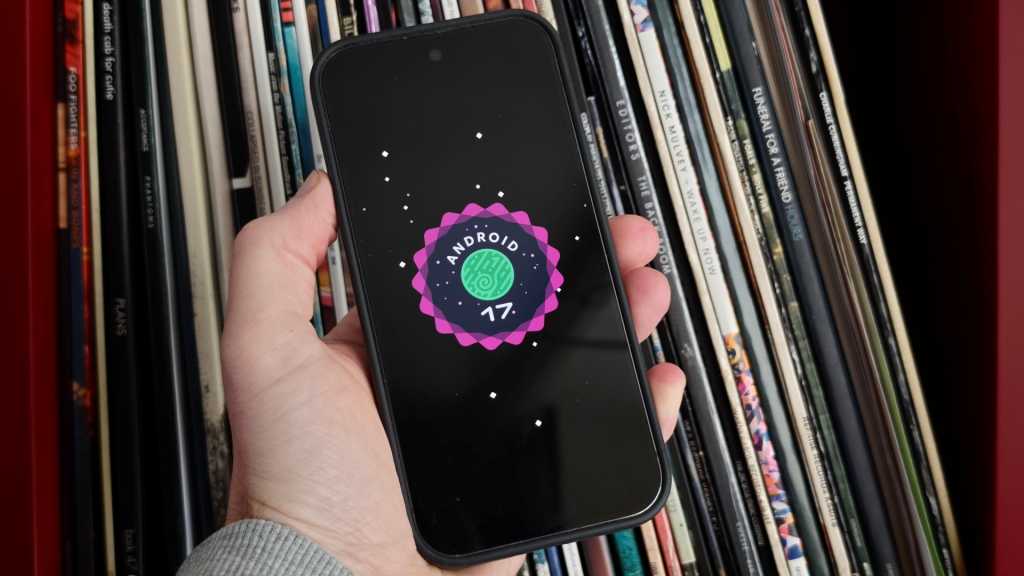
Table of Contents
More than just a polish pass
While the industry is still awaiting the stable rollout of Android 17, Google is already operating several steps ahead. During the flurry of activity at Google I/O, the company released Android 17 QPR1 Beta 3, a version that signals where the OS is heading not just for the initial launch, but for the first major Pixel Feature Drop expected this September.
For those tracking the development cycle, the QPR (Quarterly Platform Release) tracks are where Google typically tests the more aggressive visual overhauls and functional pivots before they hit the general public. Beta 3 isn’t just a stability patch; it’s a glimpse into a design philosophy that prioritizes organic movement and depth over the flat, static interfaces of the past few years.
The ‘Blur’ Obsession
If there is a single design keyword for Android 17, it is undoubtedly blur. Google is leaning heavily into a style reminiscent of ‘glassmorphism,’ using diffused background layers to create a sense of hierarchy and physical space on the screen. In Beta 3, this effect has been intensified across the OS, softening the transitions between the lock screen and active applications.
This visual shift is most evident in the new camera launch sequence. When triggering the camera via a double-press of the power button, the UI no longer simply ‘pops’ into existence. Instead, the Camera interface expands fluidly from the side of the frame, pushing the lock screen’s blurred backdrop away in a way that feels more like a physical sheet of glass moving across a surface than a software transition.
Haptic and Kinetic Feedback
The fluidity extends to the Quick Settings menu, which now features a ‘bouncy’ animation. When users pull down the notification shade, the menu exhibits a slight spring-back effect upon reaching its limit. It is a subtle detail, but it aligns with a broader trend in mobile OS design—seen in iOS and OxygenOS—to make digital elements feel as though they have mass and elasticity.
The media player within the Quick Settings menu has also received a structural redesign. Google has moved away from the traditional swipe-heavy navigation, opting for a card-based layout. This allows users to jump between different media apps via direct taps, reducing the friction involved in managing multiple audio sources like Spotify and YouTube Music simultaneously.
Refining the Power User Experience
Beyond the aesthetics, Beta 3 addresses some of the lingering friction points for power users. The screen recording menu has been overhauled to be more contextual; it now defaults to the last used application, removing a step from the workflow. Additionally, the inclusion of dedicated, easily accessible toggles for device audio and microphone recording brings a level of granularity that was previously buried in deeper settings menus.
Of course, a beta is only as good as its stability. Google’s release notes for this build highlight a concerted effort to squash critical bugs that plagued Beta 2. The most notable fixes include resolving erratic Wi-Fi disconnections and eliminating audio distortion during high-bitrate media playback. There are also fixes for the Home Screen, where certain widgets were prone to disappearing entirely after a reboot.
Availability and Compatibility
Android 17 QPR1 Beta 3 is currently available to those enrolled in the Android Beta Program. Compatibility spans a wide range of Google’s hardware, supporting everything from the legacy Pixel 6 series up to the latest Pixel 10 hardware. For most users, staying on the stable channel is advised, but for those looking to preview the September Feature Drop, this build provides the most accurate preview of Google’s refined vision for the Pixel ecosystem.