Android 17 QPR1 Beta 3 Leans Into ‘Blur’ Aesthetic and UI Polish
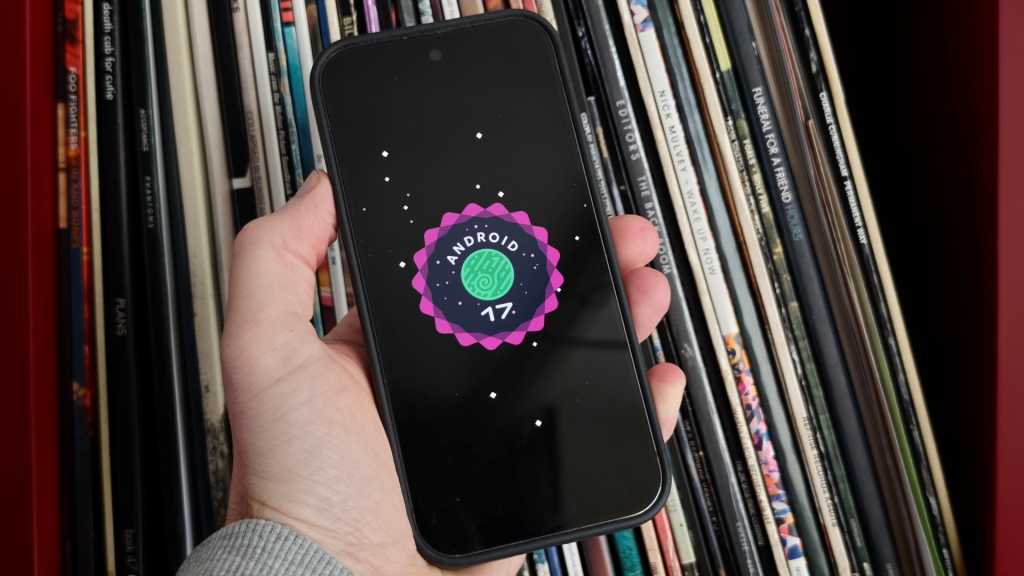
Table of Contents
A Shift Toward Fluidity
Google has quietly expanded its testing phase for the next iteration of its mobile ecosystem, rolling out Android 17 QPR1 Beta 3. While the initial stable release of Android 17 is anticipated within the coming weeks, this specific beta track is geared toward the first major Quarterly Platform Release (QPR), which typically serves as the foundation for the substantial ‘Pixel Drops’ Google delivers in September.
For those currently enrolled in the Android Beta Program, the latest build is compatible across a wide range of hardware, stretching from the Google Pixel 6 series up to the latest Pixel 10 hardware. While much of the release is dedicated to the usual housekeeping of stability patches, the Beta 3 build signals a clear shift in Google’s visual philosophy: a heavy reliance on depth, motion, and a pervasive use of background blur.
The ‘Blur’ Philosophy and Motion
If there is a single keyword defining the visual identity of Android 17, it is undoubtedly ‘blur.’ Google is moving away from the stark, flat surfaces of previous Material You iterations in favor of a more layered approach. This is most evident in the updated system animations. For instance, triggering the camera via a double-press of the power button no longer feels like a sudden jump; instead, the Camera UI now expands organically from the edge of the device, effectively pushing aside the lock screen overlay in a fluid motion.
This commitment to physics-based movement extends to the Quick Settings panel. Users will notice a new ‘bouncy’ animation when pulling down the notification shade, where the menu subtly springs back upon release. It is a small detail, but it aligns Android more closely with the high-polish motion design seen in iOS, moving toward a tactile feel that makes the software feel less like a series of static pages and more like a physical object.
Rethinking Media and Controls
Beyond the aesthetics, Google is tinkering with how users interact with background tasks. The media player controls within the Quick Settings menu have received a notable structural overhaul. The previous swiping mechanism for switching between active media apps has been replaced by a new card-based layout. This allows users to switch between Spotify, YouTube Music, or a podcast app via direct taps, reducing the friction of managing multiple audio streams.
The screen recording utility has also seen a logic update. The menu now intelligently defaults to the last used application, streamlining the process for creators and power users. Additionally, Google has integrated more explicit toggles for device audio and microphone inputs directly into the primary menu, eliminating the need to dive into deeper system settings during the recording setup.
Stability and Bug Regression
Despite the UI flourishes, Beta 3 is primarily a cleanup effort. Google’s release notes detail a series of fixes targeting critical pain points that have plagued previous beta builds. Specifically, the update addresses erratic Wi-Fi disconnections and a frustrating audio distortion bug that occurred during high-bitrate media playback.
UI glitches—particularly those occurring when apps transitioned to full-screen mode or when Home Screen widgets spontaneously disappeared—have also been targeted. For users on the beta path, these fixes are essential, as they stabilize the environment enough to allow for meaningful testing of the new QPR features before they hit the general public in the autumn.


