Windows 11 is Finally Bringing ‘Shared Audio’ to PCs, But Your Hardware Might Be the Bottleneck
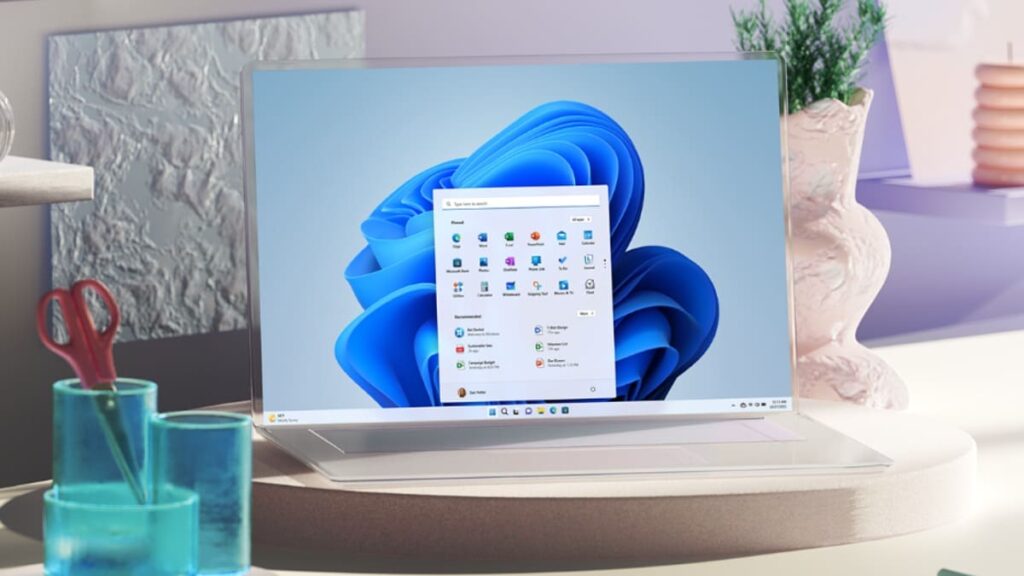
Table of Contents
The end of the headphone splitter
For years, the experience of sharing a movie or a song on a PC has required either a physical 3.5mm splitter or the hope that your specific hardware manufacturer had baked in a proprietary workaround. Microsoft is finally addressing this gap with a feature called Shared Audio, currently appearing in the fringes of Windows 11 optional updates.
The goal is straightforward: allow two sets of Bluetooth headphones to stream the same audio source from a single PC simultaneously. While this sounds like a basic quality-of-life improvement, the technical execution relies on a specific standard known as Bluetooth LE (Low Energy) Audio. Unlike traditional Bluetooth Classic, which essentially creates a one-to-one pipe between a device and a peripheral, LE Audio utilizes the LC3 codec to enable more efficient, multi-stream broadcasting.
According to reports from Windows Latest, the feature has begun surfacing for users on the May 2026 optional update path. However, the critical caveat here is hardware compatibility. Shared Audio isn’t a software-only patch; it requires a Bluetooth controller and headphones that specifically support the LE Audio specification. If you’re using legacy Bluetooth 4.2 or early 5.0 hardware, you likely won’t see this toggle in your settings, regardless of your Windows build version.
Beyond the audio: Cleaning up the Widgets and Start menu
The Shared Audio rollout is part of a broader, incremental push by Microsoft to reduce the friction of the Windows 11 UI. The company is currently tweaking the Widgets board—a feature that has been polarizing since launch due to its reliance on Microsoft Edge web-wrappers and an often-cluttered layout. The latest iterations focus on responsiveness and a more streamlined delivery of glanceable information, attempting to move away from the “news feed” feel and toward a more utility-driven dashboard.
Equally important, though less flashy, are the performance optimizations hitting the Start menu. Power users have long complained about a perceptible micro-lag when launching the Start menu or searching for apps on lower-end hardware. Internal testing suggests Microsoft is refining the indexing and rendering process of the Start menu to ensure it feels more instantaneous, aligning it closer to the snappiness of macOS’s Spotlight or the fluid nature of ChromeOS.
Why this matters for the Windows ecosystem
These updates represent a shift in Microsoft’s strategy for Windows 11. After the initial launch focused on a radical visual overhaul—centered corners and translucent windows—the focus has shifted to “polish.” Shared Audio, in particular, is a direct response to the feature sets found in Apple’s ecosystem, where Audio Sharing between AirPods is a cornerstone of the user experience.
By integrating this at the OS level, Microsoft is betting on the wider adoption of LE Audio to create a more seamless peripheral environment. If successful, we could see this evolve beyond just music, potentially extending into synchronized low-latency audio for gaming or collaborative professional work.
For now, users should check their Windows Update settings for optional cumulative updates. If the hardware supports it, the Shared Audio controls will appear within the sound settings, allowing for independent volume management for each connected pair of headphones—a necessary detail that prevents one listener from being blasted while the other can’t hear a thing.