The Case for the ‘Old’ Laptop: Why a 7-Year-Old Surface Still Feels Relevant in 2026
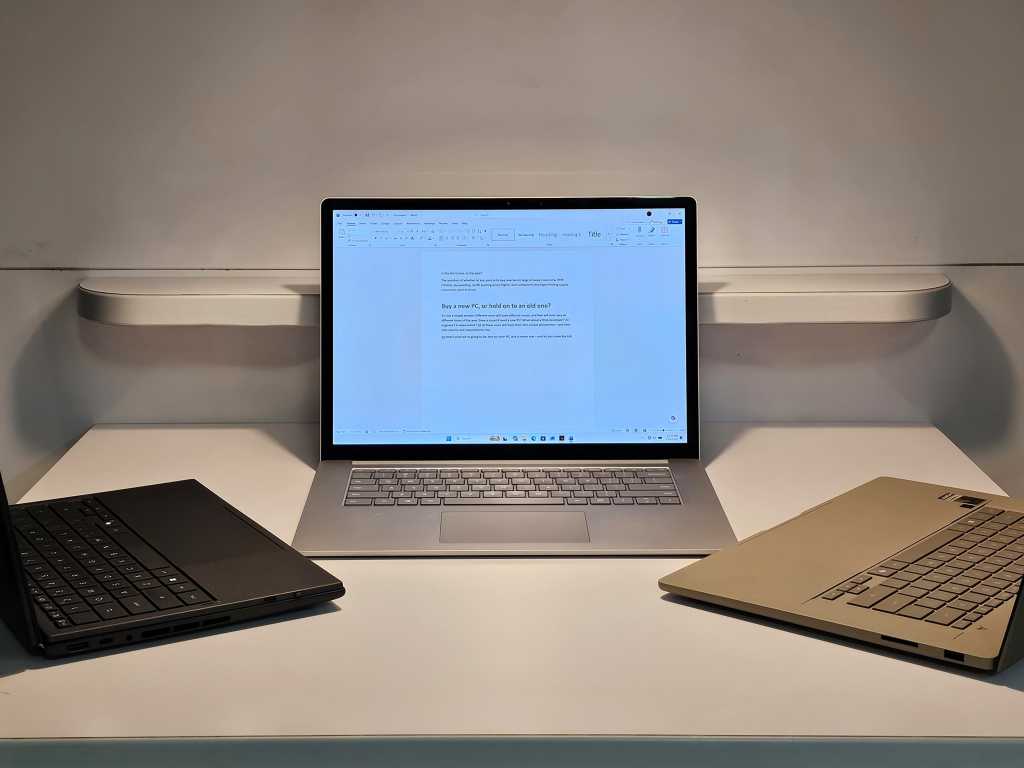
Table of Contents
The Myth of the Five-Year Cycle
For years, the hardware industry has leaned on a specific narrative to justify the annual refresh: the five-year cliff. Chipmakers and OEMs frequently cite the performance gap between a current-gen machine and one from half a decade ago as the primary reason to upgrade. It is a safe, almost mathematical bet—new silicon is objectively faster than old silicon. But in an era of inflating hardware prices and a stagnant economy, the question shifts from is it faster? to does the speed actually matter?
To test this, we dug out a lightly used Microsoft Surface Laptop 3—a device from the pre-pandemic era of 2019—and pitted it against the cutting edge of 2026. Our competitors were the Asus ZenBook (UX3607OA) powered by the Snapdragon X2 Elite Extreme and the Asus ZenBook Duo featuring the top-tier Intel Core Ultra 300 (Panther Lake) processor. On paper, the gap should be astronomical. In practice, the results were unsettling for anyone trying to sell a new laptop.
The Boot Time Paradox
The first anomaly appeared during the most basic test of all: the cold boot. In a world where we have moved entirely to NVMe SSDs, booting is less about the drive’s raw speed and more about how the OS manages startup applications and driver initialization. To keep the environment clean, we stripped all startup apps except for essential factory agents and standard Microsoft services like Defender and OneDrive.
Surprisingly, the 2019 Surface Laptop 3—running a stock version of Windows 11 24H2—consistently beat the 2026 machines. Across five reboot cycles, the Surface snapped from a cold start to a responsive desktop roughly 10 seconds faster than its modern counterparts. Even when introducing a Surface Laptop Studio 2 into the mix as a sanity check, the older SL3 maintained its lead. While the Studio 2 occasionally hit a 16-second mark, erratic outliers of over 40 seconds pushed its average well above the seven-year-old device.
Where the Age Gap Actually Shows
If the boot times are negligible, where does the 2026 hardware actually earn its keep? The answer lies in the “stutter.” During real-world use—writing this article, toggling between 30+ browser tabs, and launching heavy productivity apps—the Surface Laptop 3 feels noticeably laggy. It isn’t a dealbreaker, but there is a perceptible friction when navigating the UI that doesn’t exist on the Snapdragon or Panther Lake machines.
This is largely a byproduct of single-core, single-thread performance. Modern OS functions rely heavily on this metric, which is why Microsoft is reportedly testing latency tweaks for Windows to make older hardware feel snappier. The modern Asus machines, particularly the Arm-based Snapdragon variant, excel here, providing a fluid experience that mimics the responsiveness of Apple’s M-series silicon.
The Hardware Bottleneck
The real danger of clinging to an older machine isn’t necessarily the CPU clock speed, but the supporting specs. The Surface Laptop 3 we tested has 16GB of RAM, which remains the bare minimum for a comfortable experience in 2026. However, the 256GB SSD proved to be a significant liability. During a clean install of Windows, the lack of overhead storage became a critical failure point, illustrating that while a processor might keep up, storage capacities and standards have evolved beyond what a 2019 base model can handle.
Ultimately, the gap between a 2019 laptop and a 2026 powerhouse is narrower than the marketing suggests for basic tasks, but cavernous for power users. For the average user who spends 90% of their time in a browser, the “upgrade cliff” is more of a gentle slope. The hardware is still capable; it’s the software’s increasing appetite for resources that creates the illusion of obsolescence.


