Microsoft is bringing ‘Shared Audio’ to Windows 11, finally ending the headphone splitter era
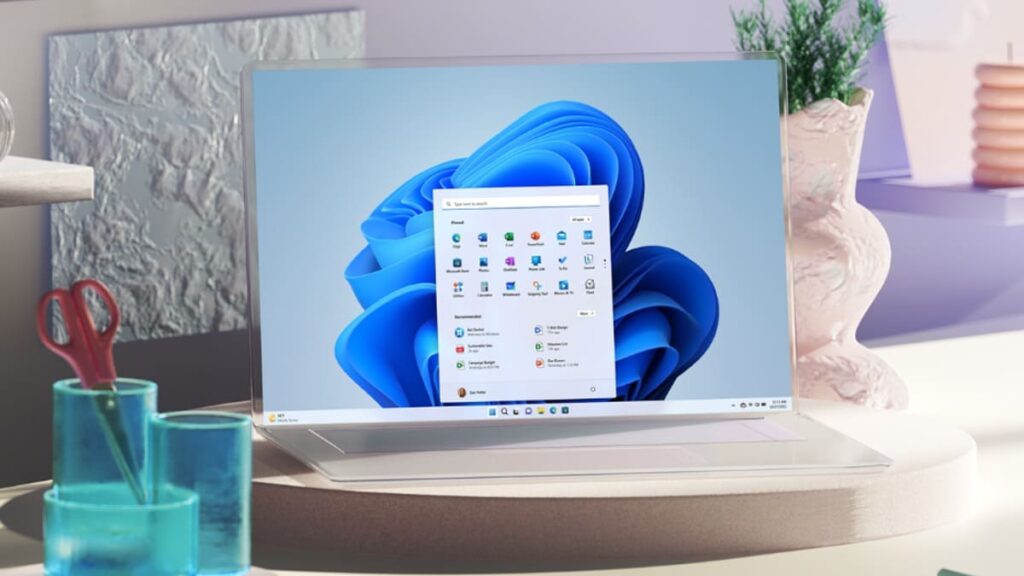
Table of Contents
The end of the single-stream limitation
For years, the experience of sharing a movie or a song from a laptop with a friend has required either an archaic 3.5mm physical splitter or the surrender of one person’s headphones. Microsoft is finally moving to solve this with ‘Shared Audio,’ a feature currently surfacing in Windows 11 builds that allows two pairs of Bluetooth-compatible headphones to stream the same audio source simultaneously.
The technical backbone here isn’t just standard Bluetooth; it’s Bluetooth LE Audio. Unlike classic Bluetooth, which creates a point-to-point connection between a source and a single sink, LE Audio utilizes a Low Complexity Communication Codec (LC3). This allows for more efficient data transmission and, crucially, the ability to broadcast audio to multiple devices without the catastrophic latency or quality drops that plagued earlier attempts at ‘dual audio’ on PCs.
According to reporting from Windows Latest, the feature is appearing for users on the May 2024 optional update cycle. However, there is a significant hardware caveat: both the PC’s Bluetooth radio and the headphones themselves must support the LE Audio standard. This means users with older hardware won’t see the toggle, regardless of their Windows version.
Beyond the stream: Granular volume control
One of the most persistent frustrations with dual-audio setups on mobile devices—like Apple’s Audio Sharing on AirPods—is the struggle to balance volume between two different sets of hardware. Microsoft seems to be tackling this head-on. The Shared Audio interface in Windows 11 reportedly includes individual stream management, allowing users to tweak the volume for each pair of headphones independently from the system tray.
This level of control is vital because a pair of noise-canceling Sony WH-1000XMs will have a vastly different output profile than a pair of lightweight earbuds. Without independent gain control, one listener is often left struggling to hear while the other is blasted by audio.
The Widgets board gets a makeover
While Shared Audio captures the headlines, Microsoft is quietly refining the Windows 11 Widgets board. The current implementation has been criticized for feeling like a tacked-on news feed rather than a functional productivity tool. Internal builds suggest a move toward a more modular, responsive layout that reduces the ‘bloat’ feel of the current MSI-driven feed.
The goal appears to be a shift toward utility. Rather than just pushing Microsoft Start news articles, the tweaked Widgets experience is leaning into deeper integration with the OS, aiming to provide glanceable information that doesn’t require a full app launch. This aligns with the broader strategy seen in Copilot’s integration, where the OS attempts to anticipate user needs through a more fluid, less static interface.
Tuning the Start Menu’s responsiveness
Perhaps the most welcome, if least flashy, update is a series of performance optimizations for the Start menu. Since the transition to the centered taskbar and the removal of Live Tiles, some users have reported a perceptible ‘lag’ or a slight delay in the menu’s animation when triggered.
Microsoft is reportedly optimizing the way the Start menu handles personalization and background processes. By reducing the computational overhead required to render the ‘Recommended’ section—which often pulls from various cloud-synced sources—the menu should feel more instantaneous. It’s a marginal gain, but in the context of OS usability, these micro-seconds of responsiveness are what define whether a system feels ‘snappy’ or sluggish.
These updates collectively signal that Microsoft is moving away from the ‘feature-dump’ phase of Windows 11 and into a refinement period. The focus is shifting toward quality-of-life (QoL) improvements that address specific user friction points, turning the OS into a more polished tool rather than just a platform for new AI capabilities.


