Beyond the Touchscreen: The Essential Hardware Stack for High-End iPad Gaming
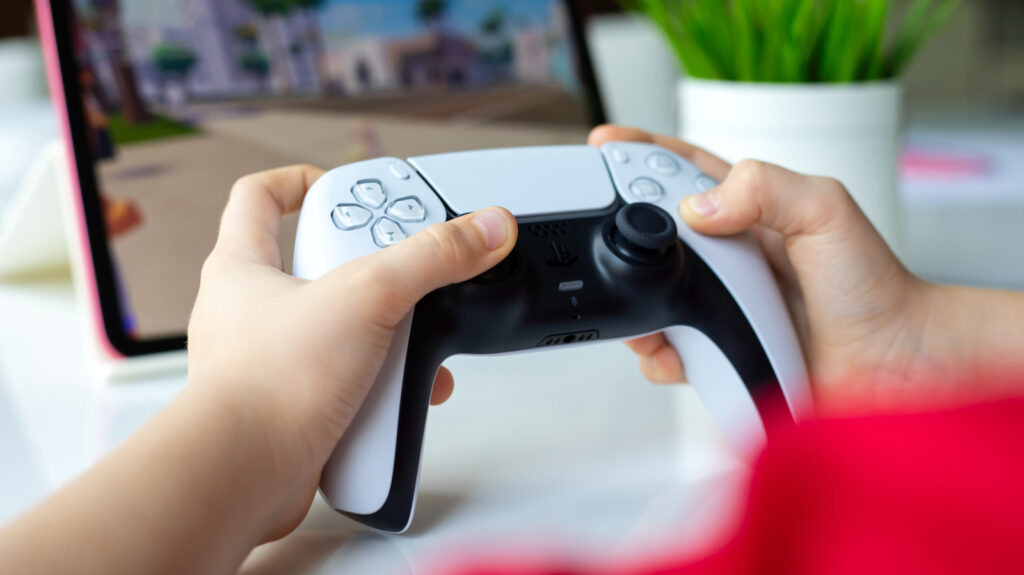
Table of Contents
The Shift Toward AAA Mobile Hardware
For years, the iPad was viewed primarily as a consumption device—a tool for sketching, streaming, and light productivity. However, the narrative has shifted. With the arrival of graphically demanding ports like Resident Evil Village, Death Stranding, and Assassin’s Creed Mirage, Apple has effectively positioned the M-series iPads as legitimate gaming machines. But there is a fundamental disconnect: the hardware is capable of console-grade performance, yet the primary interface remains a sheet of glass.
To bridge this gap, users are increasingly moving away from native touch controls in favor of a dedicated hardware stack. Whether you are leveraging Apple Arcade’s curated library or streaming via Xbox Cloud Gaming and Nvidia GeForce NOW, the experience is only as good as the peripherals supporting it.
Solving the Input Problem
While the iPad supports most Bluetooth controllers—including the PlayStation 5 DualSense and Xbox Wireless Controller—the 8BitDo Pro 2 has emerged as a standout for those seeking a specialized mobile setup. Priced around $49.99, it offers a versatility that first-party controllers often lack, maintaining compatibility across iOS, macOS, and PC.
The critical technical advantage here is the implementation of Hall Effect joysticks. Unlike the traditional potentiometers found in many console controllers, which are prone to the dreaded ‘stick drift’ as the physical components wear down, Hall Effect sensors use magnets to detect movement. This makes the Pro 2 a more durable long-term investment for gamers who find the build quality of some mobile-first controllers lacking.
While wrap-around controllers like the Razer Kishi are popular for iPhones, they often feel ungainly on 11-inch and 13-inch iPad models. The sheer weight of the tablet makes a detached Bluetooth controller a more ergonomic choice for extended sessions, preventing the wrist fatigue associated with holding a heavy chassis.
Addressing the Connectivity Bottleneck
The iPad’s singular USB-C port is a notorious pain point for power users. High-fidelity gaming is one of the most battery-intensive tasks the device can perform, often leading to rapid thermal throttling or sudden power loss. This makes a reliable hub a necessity rather than a luxury.
The UGREEN Revodok Pro serves as a practical utility, providing a mix of USB-A and USB-C ports alongside HDMI output. This allows users to keep the device topped up via pass-through charging while simultaneously connecting wired peripherals. However, for those leaning heavily into cloud gaming, a standard hub may not be enough.
Cloud gaming is essentially a high-bandwidth conversation between your device and a remote server. Even with Wi-Fi 6, interference and packet loss can lead to input lag that makes competitive play impossible. The Anker USB-C to Ethernet Adapter addresses this by providing a hardwired connection, significantly stabilizing the ping and reducing the jitter common in wireless setups. In the context of services like Amazon Luna or Xbox Cloud Gaming, the transition from Wi-Fi to Ethernet is often the difference between a stuttering mess and a seamless experience.
The Ergonomics of Power
The final hurdle in the iPad gaming experience is positioning and power delivery. Using the device in a handheld mode is taxing, but standard foldable cases often lack the stability required for intense gaming. The KUXIU X33 Pro MAX takes a different approach by utilizing the iPad’s Smart Connector.
Because iPads lack the MagSafe charging rings found on iPhones, wireless charging has traditionally been a dead end for the tablet line. The KUXIU stand bypasses the USB-C port entirely, drawing power through the magnetic pins on the back of the device. This is a critical tactical advantage: it keeps the USB-C port open for the aforementioned Ethernet adapters or hubs while keeping the battery charged. By elevating the screen to eye level, it transforms the iPad into a stationary gaming monitor, provided the user owns a model compatible with the specific Smart Connector pin layout.


