Beyond 4K: Why the Gap Between HDMI 2.0b and 2.1 Still Matters for Gamers and Home Theater Buffs
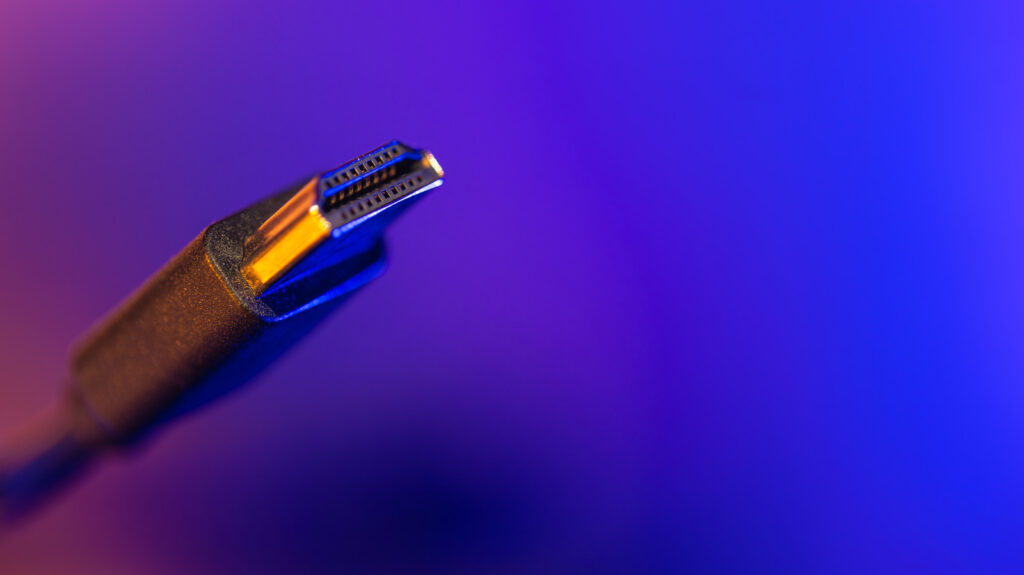
Table of Contents
The Invisible Bottleneck in Your Living Room
For the average viewer, plugging a cable into the back of a television is a mindless task. But for anyone investing in a PlayStation 5, an Xbox Series X, or a high-end NVIDIA RTX-powered rig, the specific version of that cable—and the port it plugs into—can be the difference between a cinematic experience and a stuttering mess.
The industry has spent years oscillating between HDMI 2.0b and HDMI 2.1. While they look identical physically, the internal architecture represents a massive leap in data throughput. To put it simply: HDMI 2.0b was designed for the era of 4K streaming movies; HDMI 2.1 was built for the era of high-performance interactive media.
The Bandwidth War: 18Gbps vs 48Gbps
The fundamental divide between these two standards is bandwidth. HDMI 2.0b, which became a staple around 2016, caps out at 18 Gbps. In real-world terms, this allows for a maximum resolution of 4K at 60Hz. For a Netflix binge or a Disney+ movie, this is more than sufficient, as most cinematic content is shot at 24 frames per second (fps). Even the most demanding 4K Blu-ray discs don’t push 2.0b to its absolute breaking point.
HDMI 2.1, arriving in 2017, shattered that ceiling by boosting bandwidth to 48 Gbps. This isn’t just a incremental bump; it’s nearly triple the capacity. This headroom allows for 4K at 120Hz and even 8K at 60Hz. When you’re playing a fast-paced shooter like Call of Duty or a racing sim on a PS5, that jump from 60Hz to 120Hz removes the “motion blur” and input lag that can plague competitive gaming.
More Than Just Pixels: VRR and ALLM
While resolution gets the headlines, the real value of HDMI 2.1 lies in the features that stabilize the image. Two of the most critical are Variable Refresh Rate (VRR) and Auto Low Latency Mode (ALLM).
VRR solves the age-old problem of “screen tearing.” This happens when the GPU sends frames faster than the TV can display them, resulting in a horizontal shift in the image. HDMI 2.1 allows the TV to synchronize its refresh rate dynamically with the console’s output. Combined with ALLM, which automatically switches your TV into “Game Mode” to minimize processing lag, the 2.1 standard transforms a living room television into a legitimate gaming monitor.
Solving the Audio Puzzle with eARC
On the audio front, HDMI 2.1 mainstreamed the Enhanced Audio Return Channel (eARC). While the original ARC allowed a TV to send audio back to a soundbar over one cable, it was limited in bandwidth and often stripped away high-quality audio formats.
eARC provides the bandwidth necessary to transmit uncompressed 5.1 and 7.1 surround sound, as well as object-based formats like Dolby Atmos and DTS:X. If you have a high-end Sonos or Samsung soundbar, an eARC-capable HDMI 2.1 port ensures you’re hearing the audio exactly as the studio intended, without the compression artifacts common in older ARC setups.
The Practical Reality of Upgrading
The good news for consumers is that HDMI is backward compatible. You can plug an Ultra High Speed (HDMI 2.1) cable into an older HDMI 2.0 port, and it will work perfectly—though it will be limited to 2.0 speeds. You won’t “break” your hardware by using a newer cable.
However, the inverse is where users run into trouble. If you use an old HDMI 2.0b cable with a PS5 and a 4K/120Hz TV, you will be locked into 60Hz, effectively wasting the hardware capabilities of your console. For those using high-end PCs, DisplayPort remains a strong alternative, often offering even higher refresh rates, but HDMI 2.1 has narrowed that gap significantly, making it the gold standard for multi-device living room hubs.