Android 17 QPR1 Beta 3 Doubles Down on ‘Blur’ Aesthetics and UI Fluidity
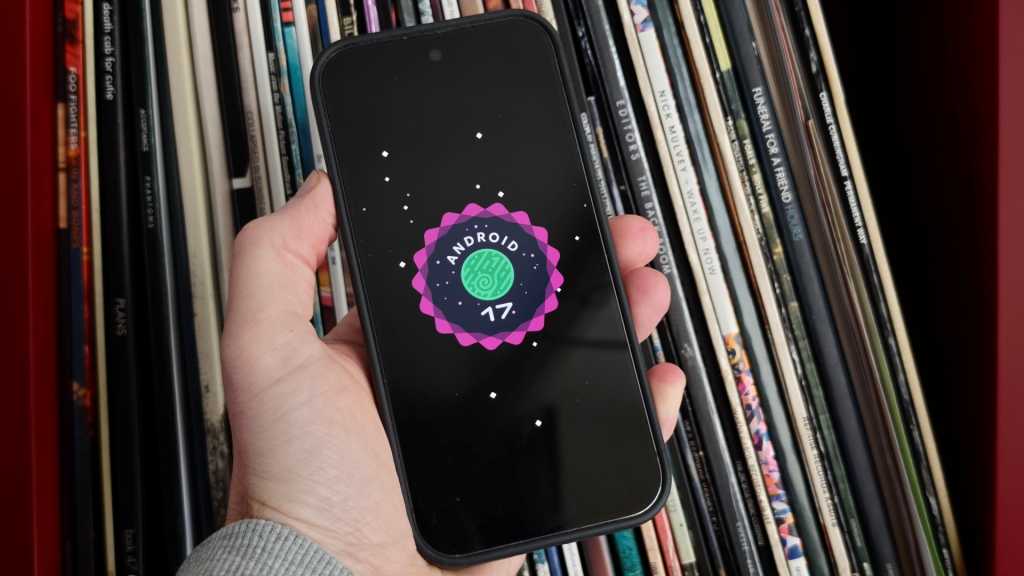
Table of Contents
Beyond the Bug Fixes: Google’s Visual Pivot
Google has officially deployed Android 17 QPR1 Beta 3, a release that arrives while the first stable version of Android 17 is still preparing for its general rollout. While quarterly platform releases (QPR) are typically viewed as maintenance windows for stability and security patches, this particular build signals a shift in Google’s design philosophy, prioritizing tactile fluidity and visual depth over raw utility.
For those tracking the Pixel ecosystem, this beta is more than a preview—it serves as the architectural foundation for the significant Pixel Feature Drop expected in September. The update is currently available to users enrolled in the Android Beta Program and is compatible across the current Pixel fleet, spanning from the aging Pixel 6 series up to the latest Pixel 10 hardware.
The ‘Blur’ Era and Animation Physics
If there is a single design keyword for Android 17, it is “blur.” Beta 3 leans heavily into Gaussian blur effects, using them to create a sense of layering and hierarchy that feels more organic than the flat design of previous versions. This is most evident in the revamped camera launch sequence; triggering the camera via a double-press of the power button now initiates an expansion animation where the UI pushes the lock screen “fog” aside, creating a spatial transition rather than a hard cut.
Further refinements are found in the physics of the interface. The Quick Settings menu now features a “bouncy” animation—a subtle elastic recoil when the menu is pulled down. While seemingly minor, these micro-interactions are part of a broader effort to make the software feel less like a series of static pages and more like a physical object reacting to touch.
Overhauling the Media Experience
One of the more functional departures in Beta 3 is the redesign of the media player controls within the Quick Settings shade. Google has moved away from the traditional swiping mechanism for switching between active media apps, opting instead for a card-based layout. This allows users to toggle between different streaming sources via direct taps, reducing the friction of managing multiple audio streams.
The screen recording utility has also received a quality-of-life upgrade. The menu now intelligently defaults to the last-used application, eliminating the need to manually select the target app for every single clip. Additionally, Google has integrated more granular toggles for device audio and microphone input directly into the recording prompt, streamlining a workflow that previously felt fragmented.
Stability and Regression Fixes
While the visual polish takes center stage, the build addresses several critical stability issues that plagued Beta 2. The release notes highlight a concerted effort to resolve persistent Wi-Fi disconnection bugs and distorted audio artifacts during high-bitrate media playback. More frustrating UI glitches—specifically those where Home Screen widgets would spontaneously disappear or full-screen transitions would stutter—have been targeted for remediation.
The aggressive pace of these QPR betas suggests that Google is aiming for a highly polished state before the autumn hardware cycle. By iterating on the UI now, they can ensure that the new animations and blur effects are optimized for the Tensor chipsets before the wide-scale deployment of the September Feature Drop.